
Common Steps
Author: goswitch
Updated: 2026-06-13T10:02:01.000Z
CC-Switch Introduction
Claude Code / Codex / Gemini CLI All-in-One Management Tool


From Provider Switcher to AI CLI All-in-One Management Platform
Unified management of Claude Code, Codex, and Gemini CLI provider configurations, MCP servers, Skills extensions, and system prompts.
With CC-Switch, you can:
- ✅ One-click API switching - Quickly switch between multiple API providers
- ✅ Visual configuration management - Easily manage all configurations through a graphical interface
- ✅ Built-in GoSwitch templates - Pre-configured GoSwitch template presets
- ✅ MCP server management - Manage Model Context Protocol servers
- ✅ System tray quick actions - Quick switching through tray menu
Tip
CC-Switch has built-in GoSwitch quick configuration templates — no need to manually edit configuration files!
Software Download
Windows
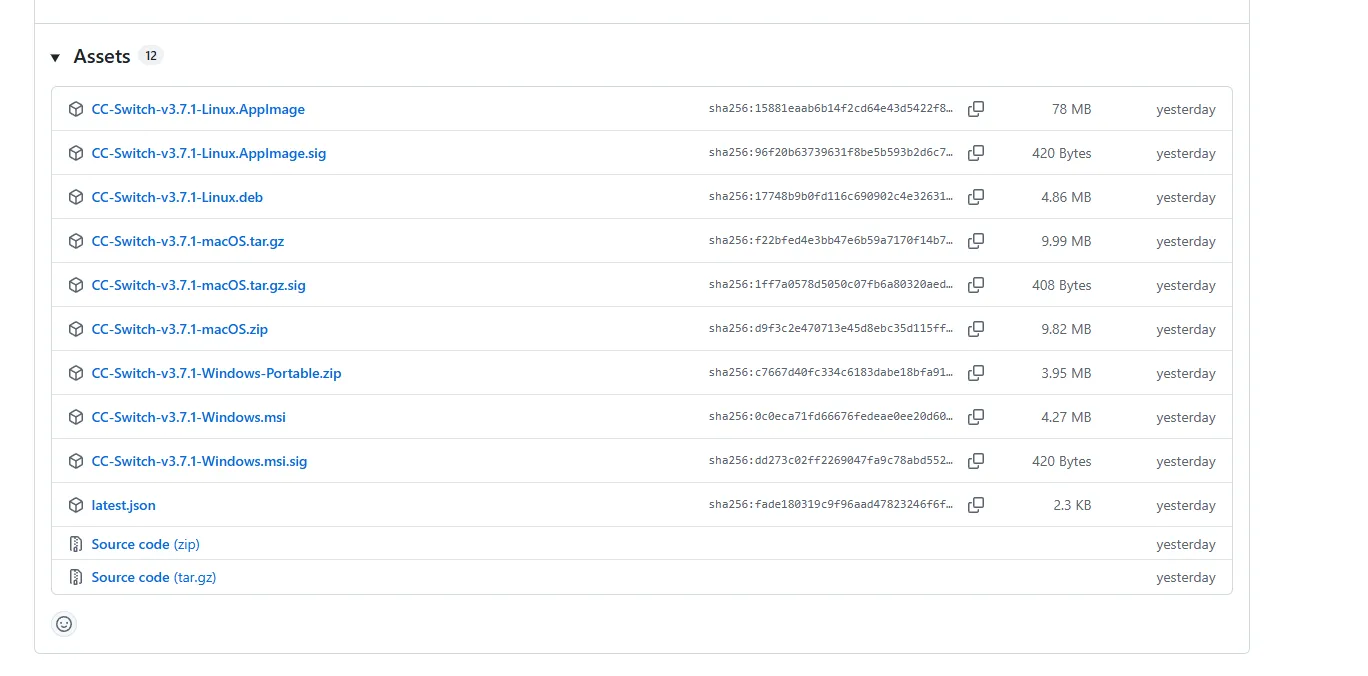
Click the download link → Link ← to go to CC-Switch's GitHub Release page
Scroll to the bottom and select the appropriate installer package. For Windows, we recommend downloading the regular .msi installer
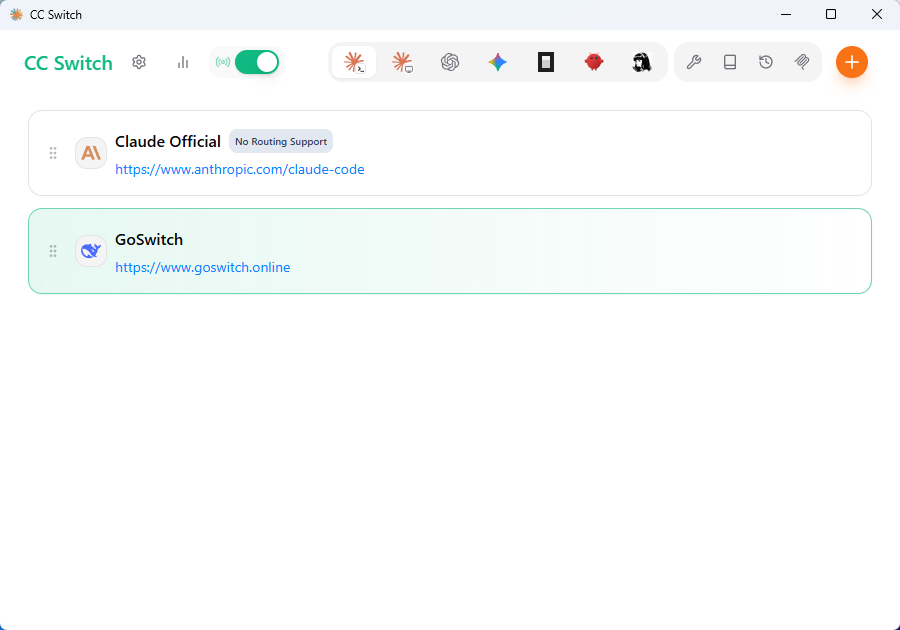
- After installation, run the CC-Switch main program. The interface looks like this.
MacOS
For MacOS, we recommend using HomeBrew
Open a terminal and run the following commands:
# Add tap source
brew tap farion1231/ccswitch

# Install CC-Switch
brew install --cask cc-switch- After installation, find CC-Switch in "Launchpad" or the "Applications" folder and launch it.
Linux
Important
The file names in the following commands contain placeholder version numbers x.x.x. Please visit the GitHub Releases page to check the latest version and replace with the actual version number and complete file name.
Debian/Ubuntu systems:
# Download .deb package
wget https://github.com/farion1231/cc-switch/releases/latest/download/cc-switch_x.x.x_amd64.deb

# Install
sudo dpkg -i cc-switch_x.x.x_amd64.deb
Environment Check
Note
We recommend completing the environment check steps!!! If you're experienced and can confirm your Node.js environment and CC, Codex, Gemini CLI installations are fine with configuration directories present, you can skip this step and proceed directly to CC-Switch configuration
Click the link to view How to perform environment check?